
Table of Contents
Step 1: License Prompt
#
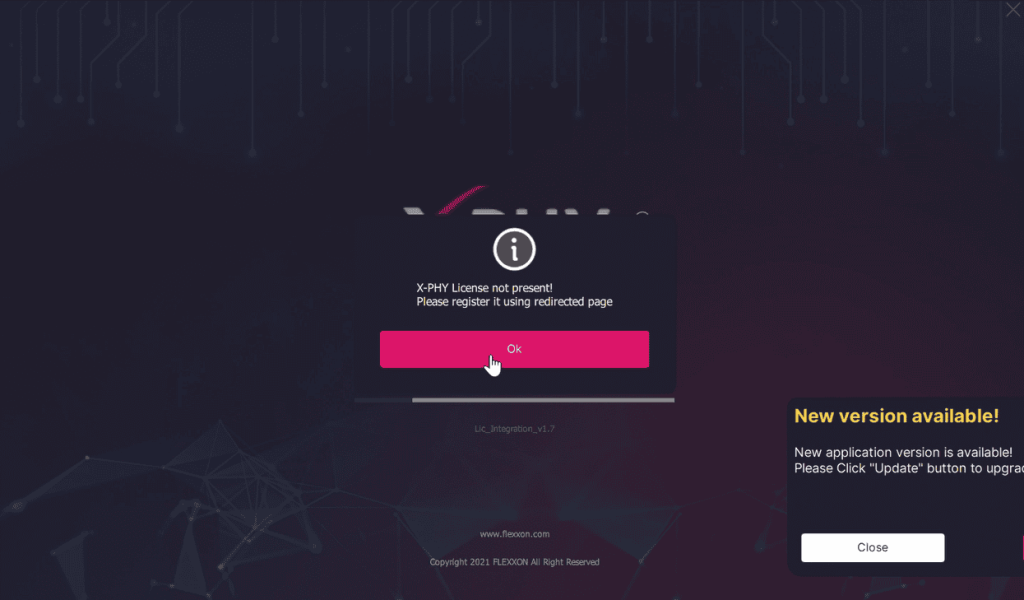
If the license is not yet registered, a confirmation window prompt “X-PHY License not present!” will pop-up. Click on “Ok” to proceed.
Step 2: Sign up or Login
#
Sign up or login on the redirected page browser window to activate your license.

Step 3: Check your subscription
#
Go back to the X-PHY Guard App and proceed by registering an authenticator.
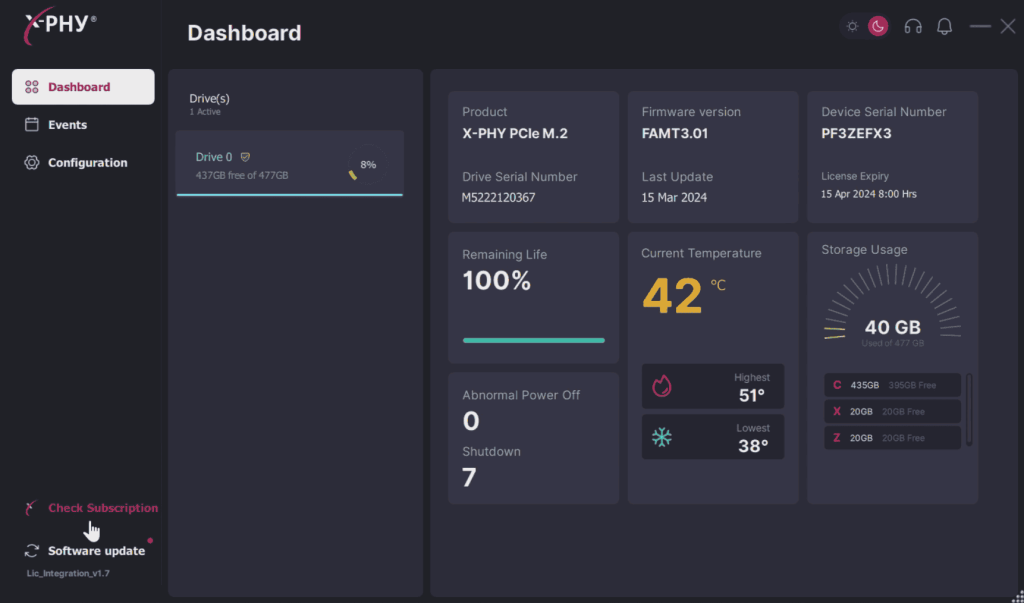
Note: You can see the license expiration date and check your subscription from the dashboard.