

Step 1: If there is a software update detected by the X-PHY® PC application. A notification bubble will appear on the “Software update” button as shown.
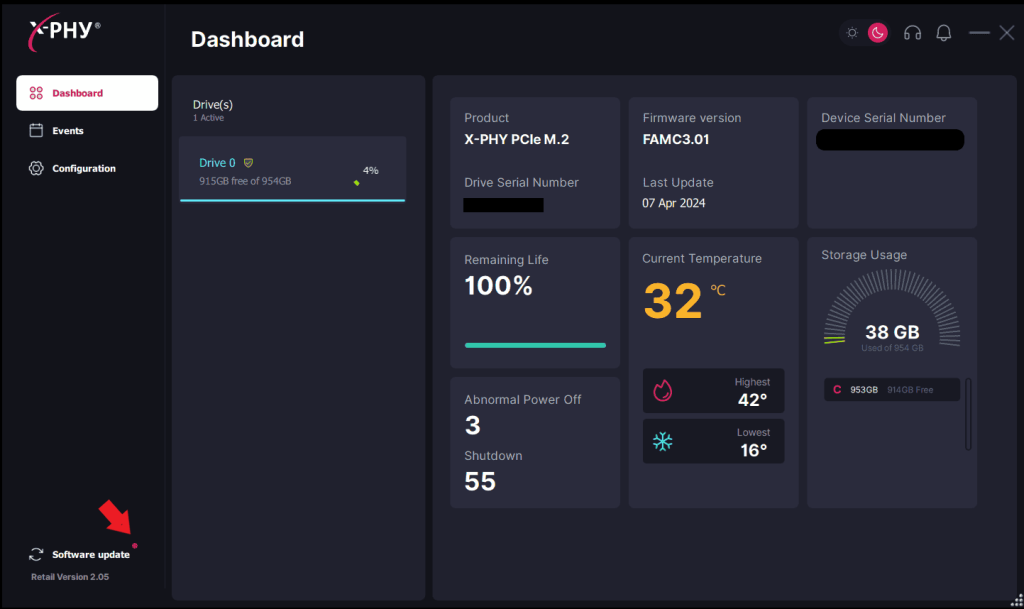
Step 2: Click to update, you will see a pop up message “New Application version is available!”. Click “Yes” to update.
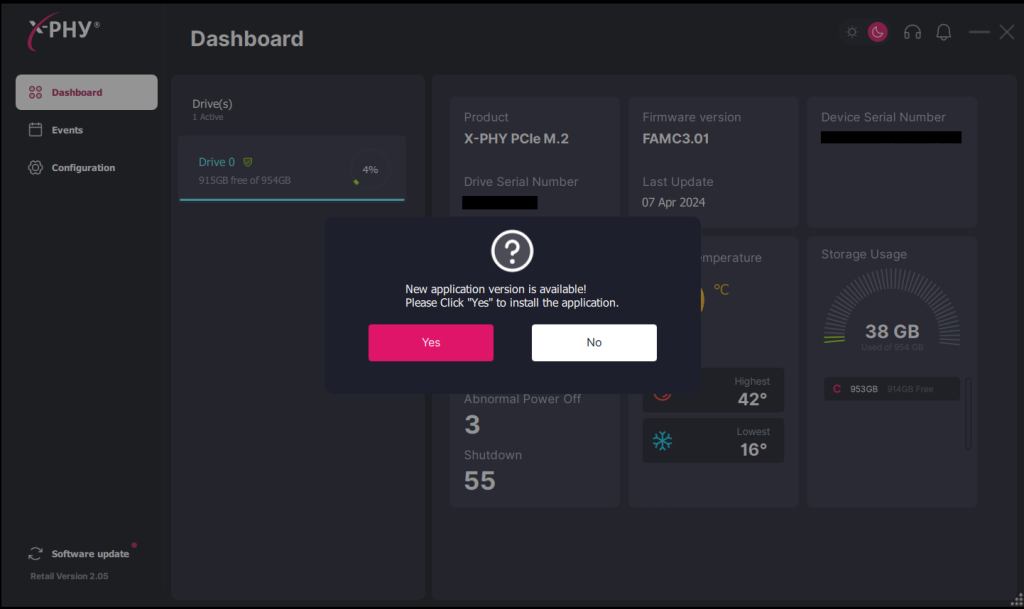
If “No” is clicked, the application will not be updated to the latest version.
If no new version is available or detected, a message “Application version is up to Date!” will pop-up.