
Table of Contents
Install X-PHY Connect App by searching on Android Play store or iOS store. #
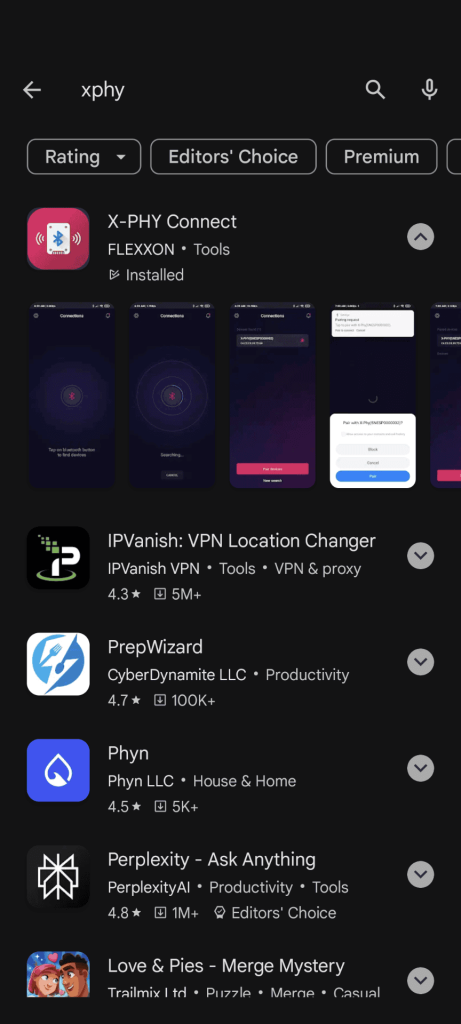
The X-PHY Connect App is used to unlock your X-PHY SSD Drive. #
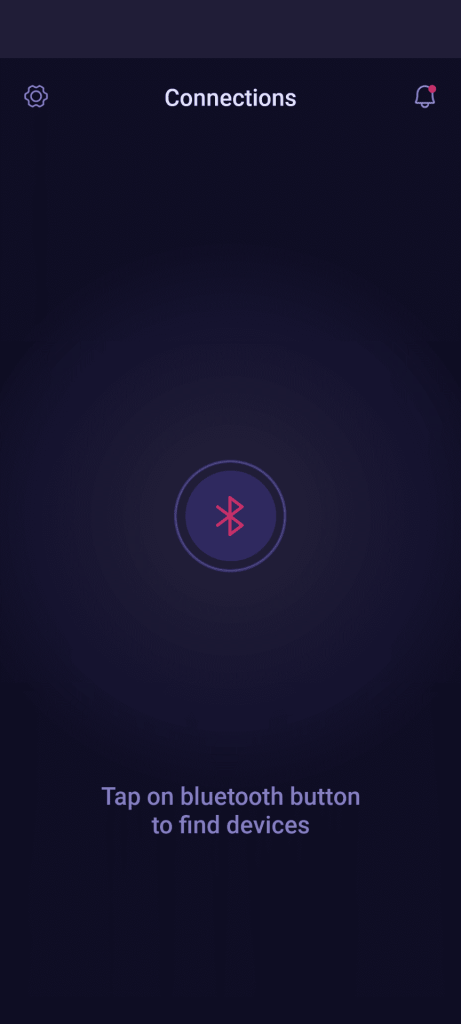
Step 1: Tap on the Bluetooth Button to find X-PHY SSD devices. #
Step 2: Your X-PHY SSD will show up under “Devices found”, click on the device name then click the “Pair devices” button. #
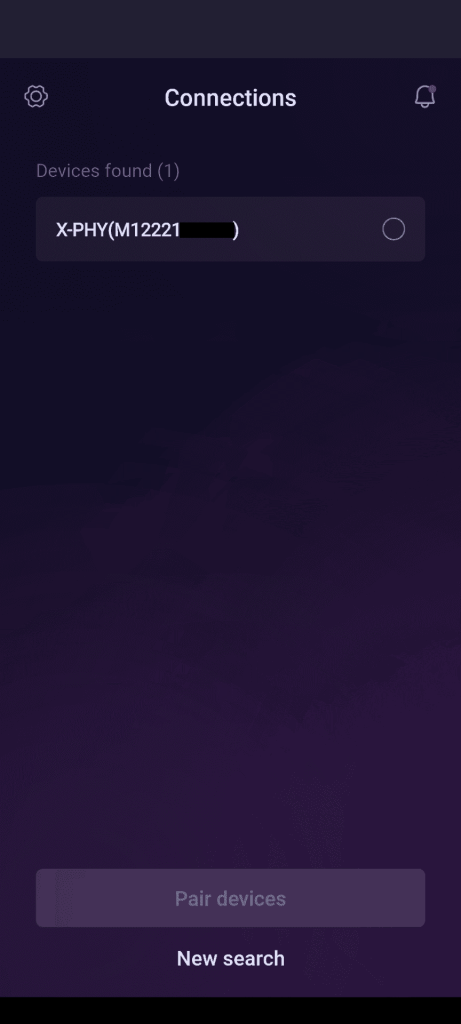
*Note: Bluetooth and location access must be enabled to pair
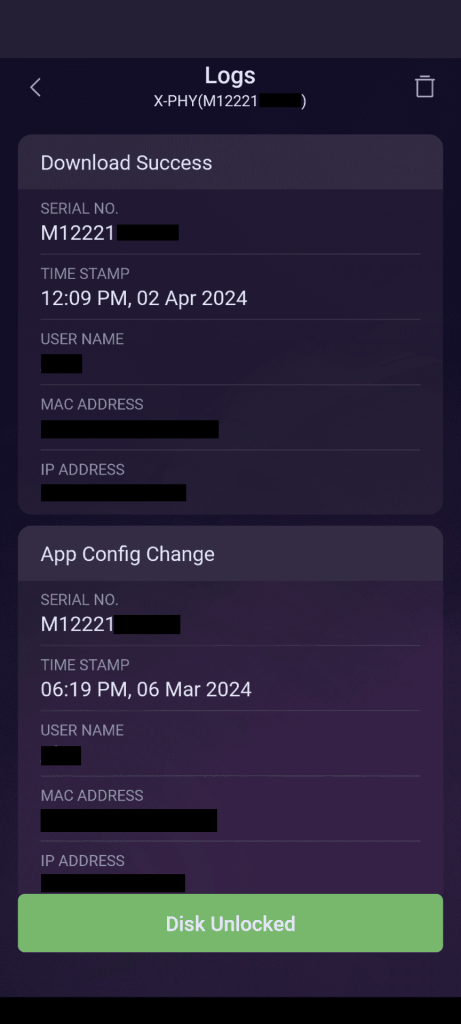
Step 3: Once Paired, you will be able to see the Event Logs and unlock your X-PHY SSD. #