

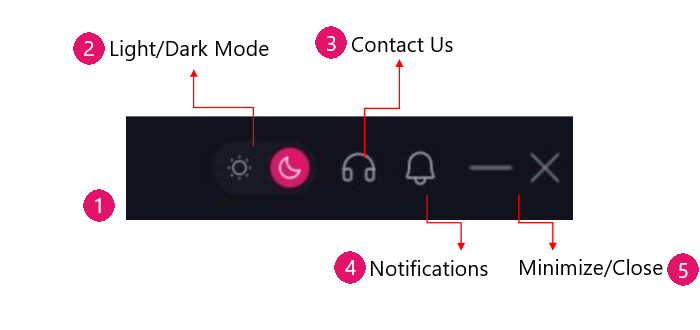
1. Quick Link Bar – located at top right panel provides settings such as the Theme, Contact Us, Notifications, Minimize and Close buttons.
2. Theme – changed between Dark or Light mode.
3. Contact Us – directly link to X-PHY® Support website.
4. Notification – icon will show the application’s events & notifications.
5. Minimize – icon will hide the application into the system tray.
Close icon will close the application’s interface.
Note: To close the application completely, go to the system tray, right click on the X-PHY application icon -> click “Exit” option.